VPN FOR WI‑FI AND MOBILE NETWORKS

Online freedom with one tap

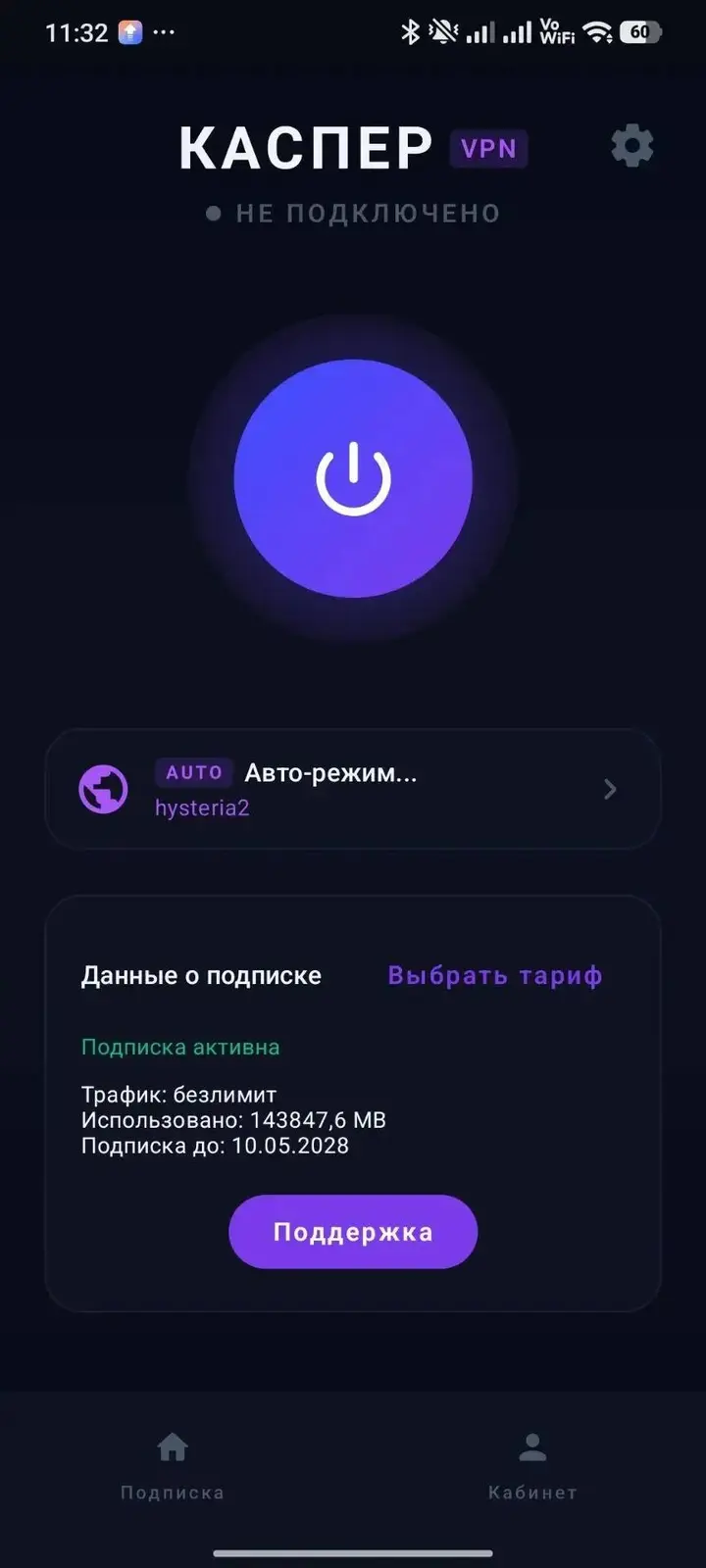
KASPER VPS automatically selects a stable connection and works on Wi‑Fi and mobile networks—even when other VPN services may struggle.

No card • No recurring charges • 3 devices
3 days free
For new users
3 devices
A fourth device can be added
No card
No recurring charges
All platforms
Phone, TV and computer

A stable connection without manual setup

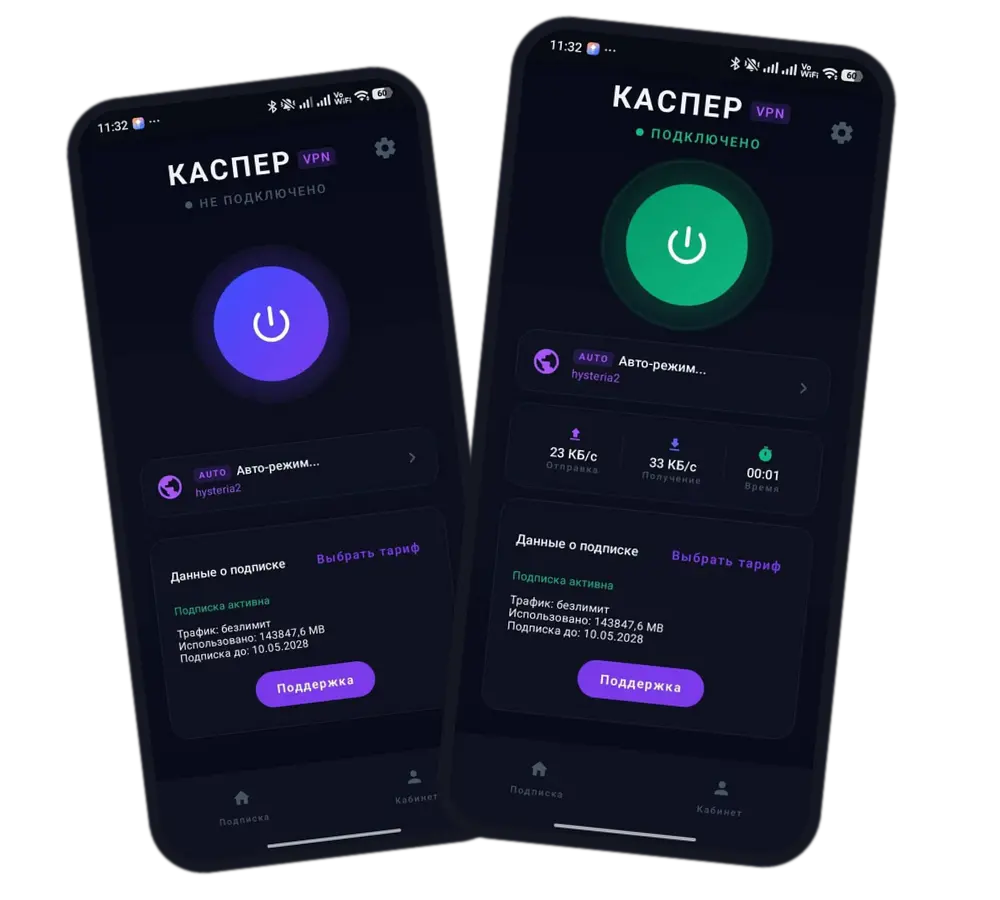
Auto mode

The app automatically selects a suitable server and protocol. No need to manually switch configurations.

Mobile network

Dedicated LTE options help keep you connected on mobile networks in difficult conditions.

Stable streaming

A stable connection for streaming and the international services you use.

All your devices

Android, Android TV, iPhone, macOS, Windows and Linux. One subscription — multiple devices.

Choose the right plan

Every plan includes unlimited traffic and 3 devices. A fourth device can be added separately.

Basic
from ₽200 / month

For home, work, cafés, hotels and other places with Wi‑Fi.

Choose plan
LTE
from ₽200 / month

Servers for stable operation on mobile networks in difficult conditions.

Choose plan

Download for your device

Get connected in a few minutes

01
Download the app
02
Sign in or create an account
03
Activate your 3 free days
04
Tap "Connect"

Already using KASPER with Happ or IncY?

Keep using the app you know. Open your account, connect a device and add your subscription to Happ or IncY.

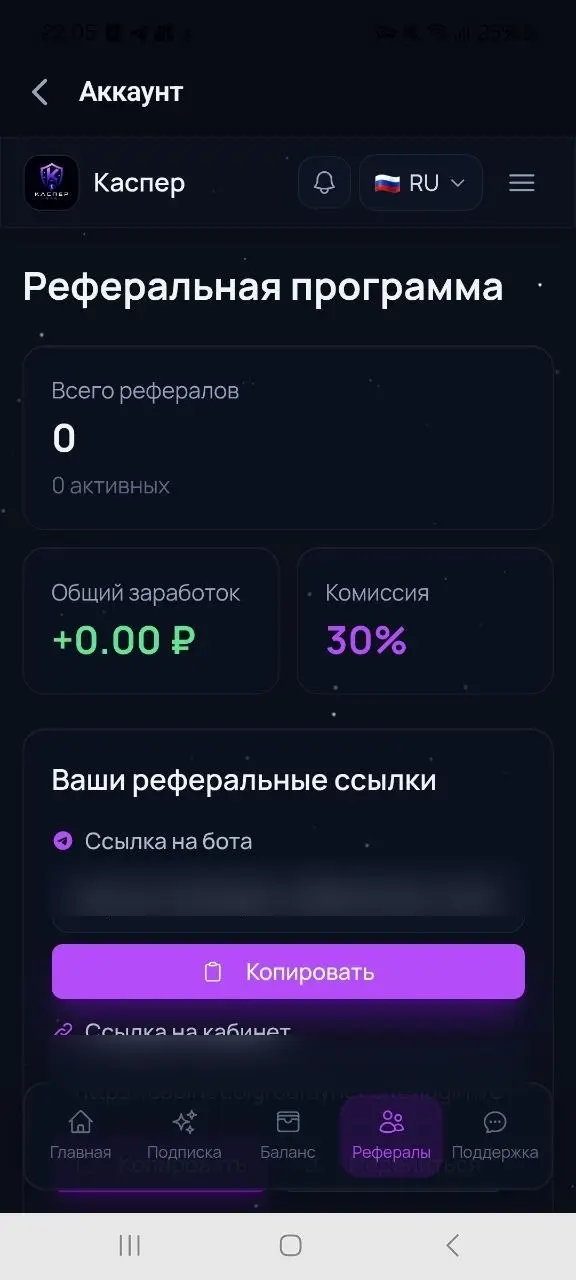
Invite friends and earn 30%

Your friend receives ₽100 after signing up and topping up at least ₽100. You receive 30% of every balance top‑up they make.

Pay the way you prefer

SBP
Bank card
Cryptocurrency
Telegram Stars

Payments and subscription management are handled in your account.

Frequently Asked Questions

Sign up in the app or your account and activate the free period. New users do not need to enter bank card details.
No. There are no recurring charges. After the trial, you choose a plan and payment method yourself.
Android, Android TV, iPhone, macOS, Windows and Linux are supported. Some platforms use the IncY or Happ apps.
A subscription includes 3 devices by default. A fourth device can be added separately.
Yes. Open your account, connect a device and add the subscription to your preferred app.
Yes. Dedicated mobile options are available, including the LTE plan and Auto mode.
In the KASPER Android app, you can use Auto mode and let the app select a suitable connection. Manual server selection is also available.
Open the account deletion page and sign in using the same method you used when creating the account.
SBP, bank card, cryptocurrency and Telegram Stars. Payments are made through your account.
Try Auto mode and contact support through your account. The support team will help with installation and connection.

Need help?

We can help with installation, device setup and your subscription.